
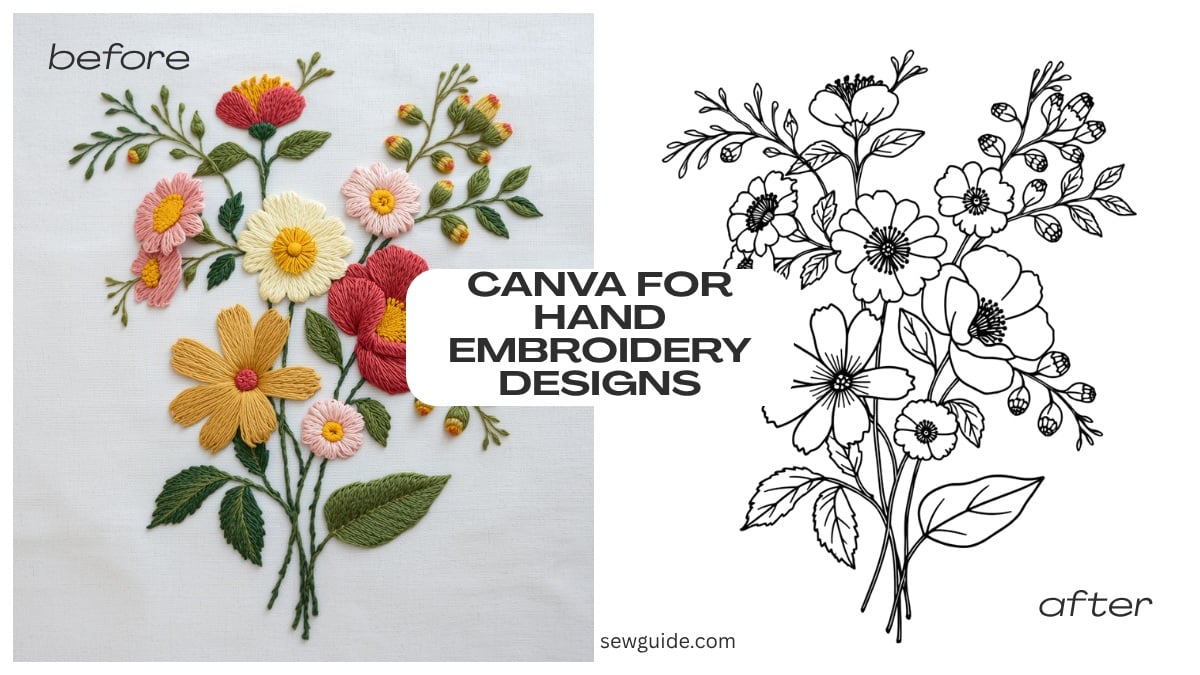
The days are not far off when you will look at a flower and you will be able to print out the line design for it. The way technology is progressing, this is entirely possible, even if you want to brush it aside for now. But as it is now, for you and me, finding hand embroidery designs, especially if you cannot hand draw to save your life, or you do not have paid designs, is difficult.
Canva solves this problem, somewhat. Its floral elements and ai generated art makes hand embroidery designing a breeze.
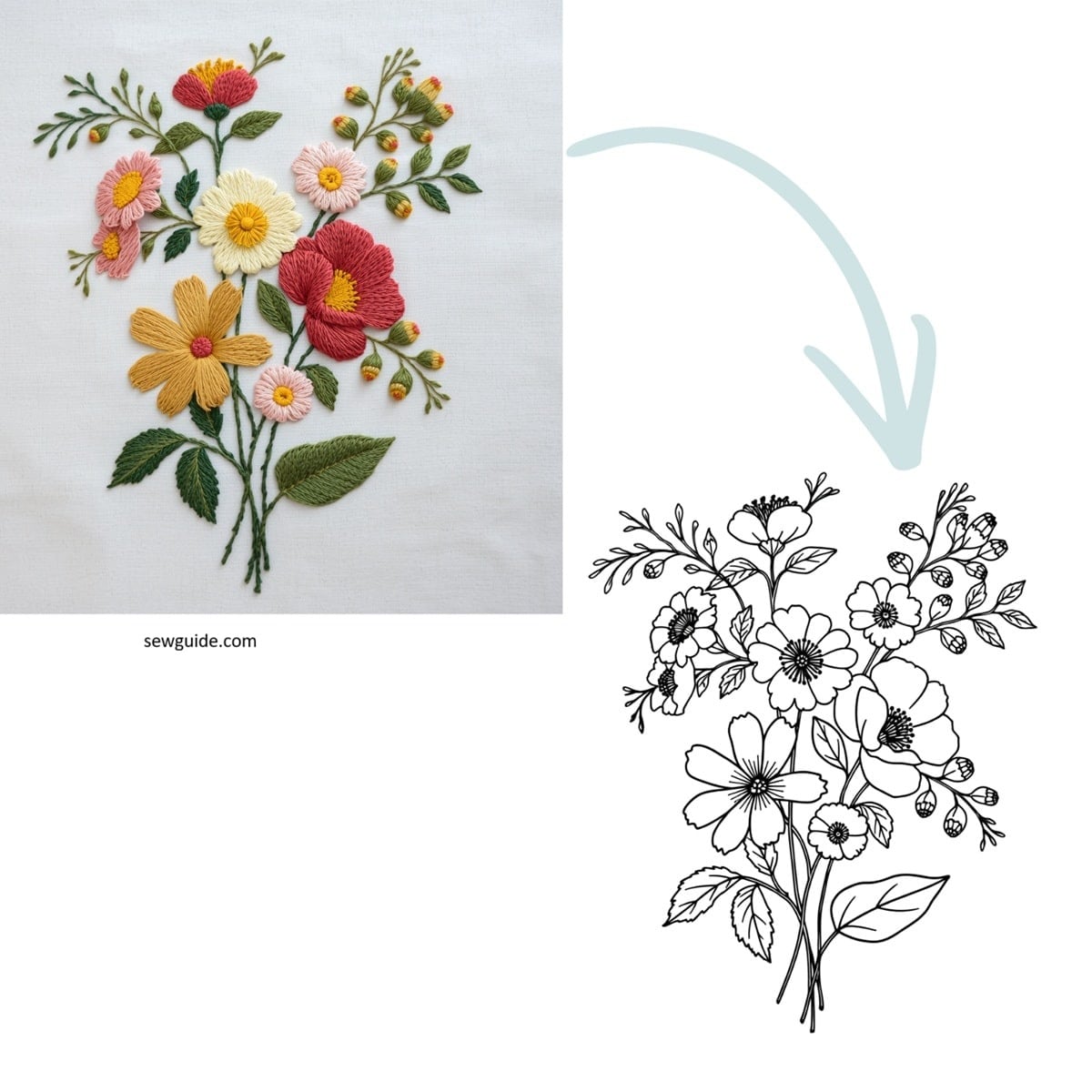
In a fast-paced world, hand embroidery is one of those slow, passion-led things. You should take it slow—then only you can perfect it, savour it, and find peace in it. (And you do, you have to try it to believe it)
But there are things that are inevitable—like the difficulty in finding good designs. With the advent of new technology, it is not so difficult anymore.
I bet you know all the ways that you can use canva —but what if you don’t know this.! I will take a chance and explain.
Canva is a marvel—it made everyday graphics approachable to common people like you and me. For designing—maybe not so much. It is not as good as the best tools out there. But for hand embroidery, you can get passable designs with its help.
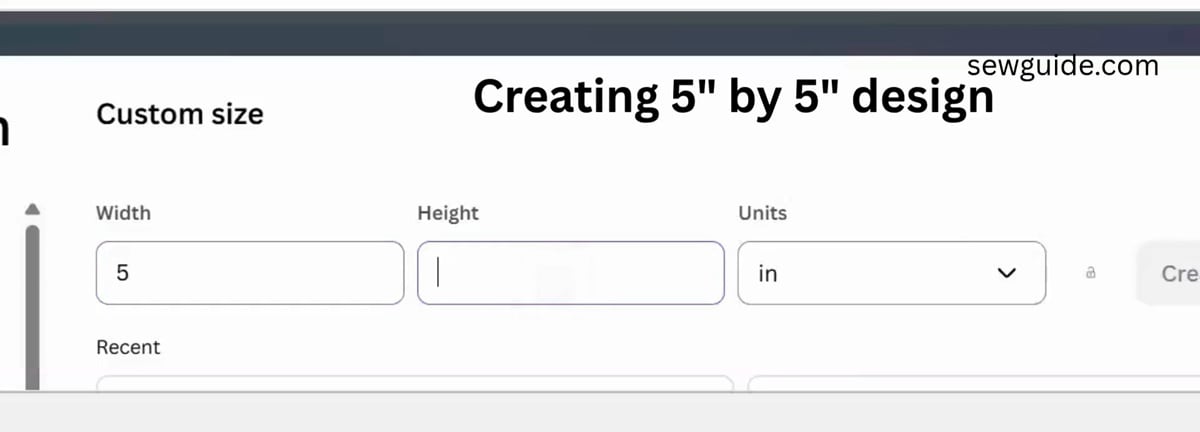
Before you start making the designs on canva, you have to set your canvas. As we measure fabric as inches, you have to set your canva canvas in inches. So, when you make your design, choose custom size and then choose inches instead of the pixels you use for web designs.
I made it in 5 by 5 inch size which is a good enough size to embroider – not too big nor too small, just the right size.
Watch this video tutorial to make these designs on canva if you are not keen on reading the instructions:
Using the existing designs on Canva
You can find a treasure trove of embroidery designs on Canva—just browse the existing ones. You just need to know what to search for.
Go to elements and type the right kind of flowers. You need black and white drawings, so that is what you search for. “Black and white coloring pages, flowers”
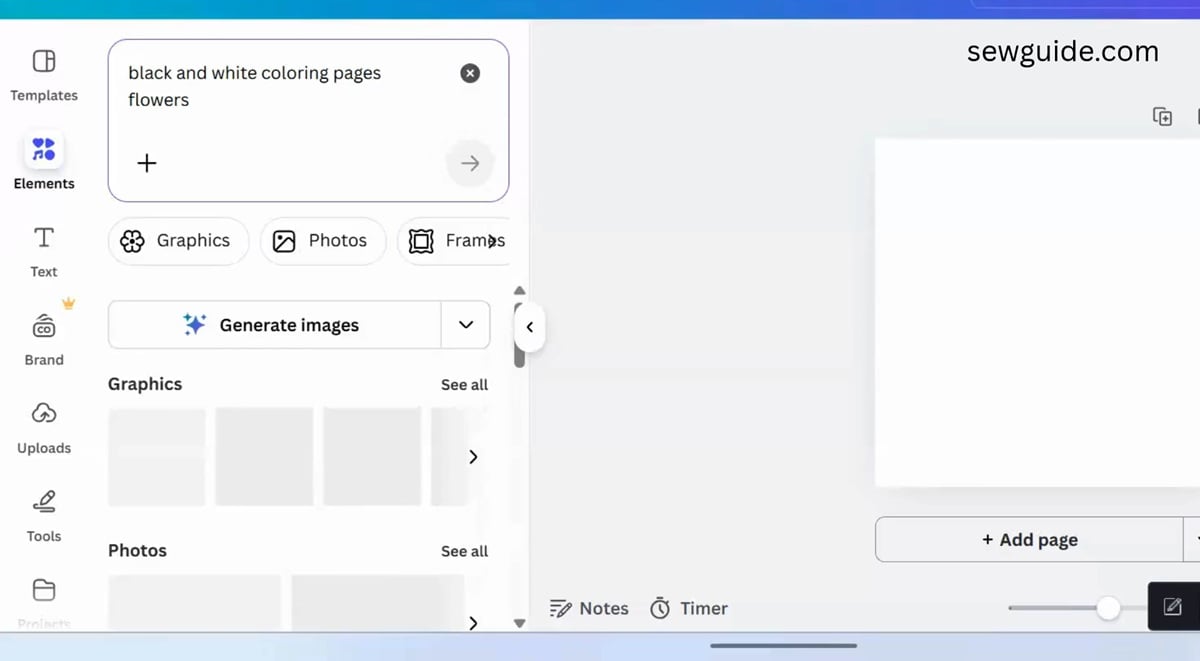
Or type “Black and White drawing of a flower with no shading or background.” or “Minimal botanical flowers“
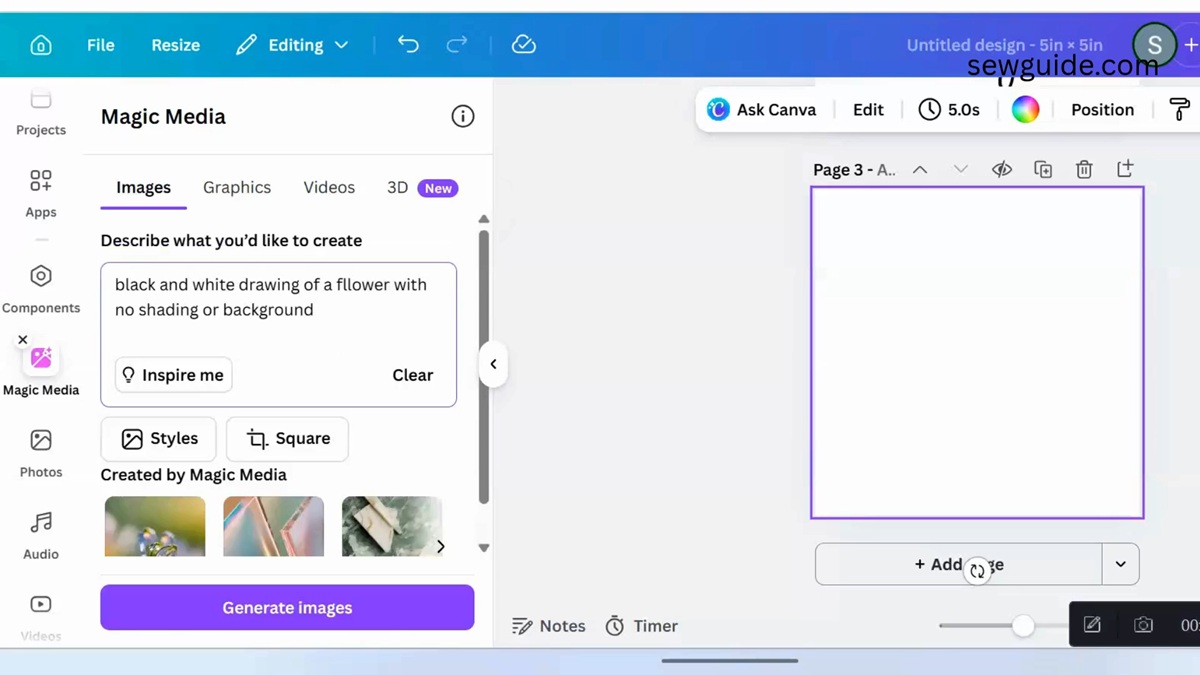
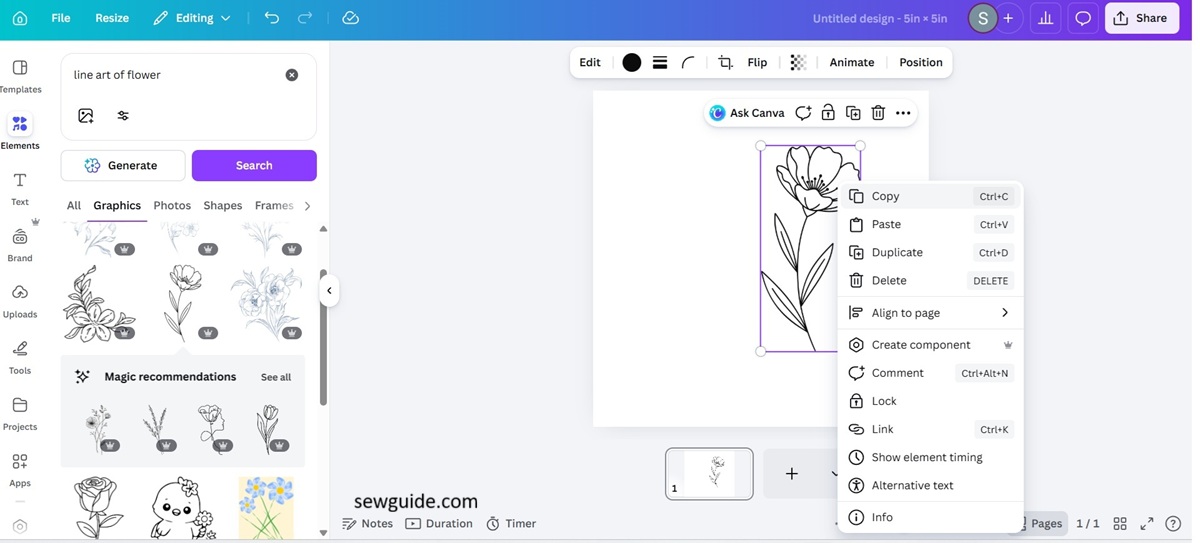
Or “Line art of flower“
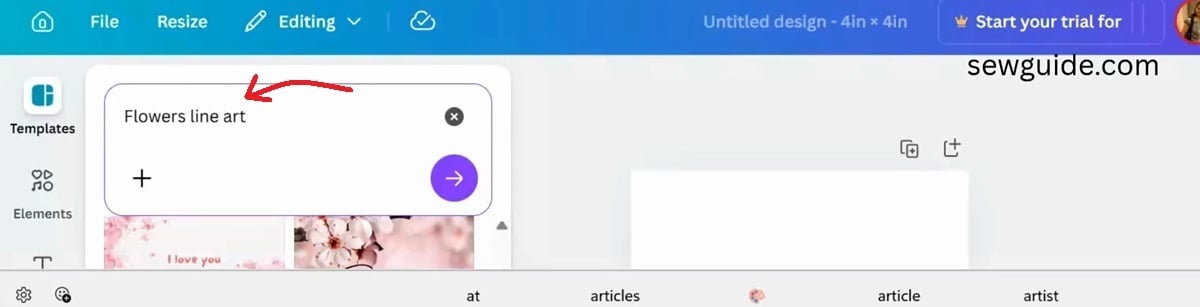
You get designs like these. Perfect as they are out of the box.
Editing existing designs
Once you have decided on a design, you can edit it and remove the unwanted elements . If you have a paid canva plan, you can use the magic eraser tool for this. Use the brush tool to remove the extra just like you would an eraser on your paper. If you do not, just cut it out after printing
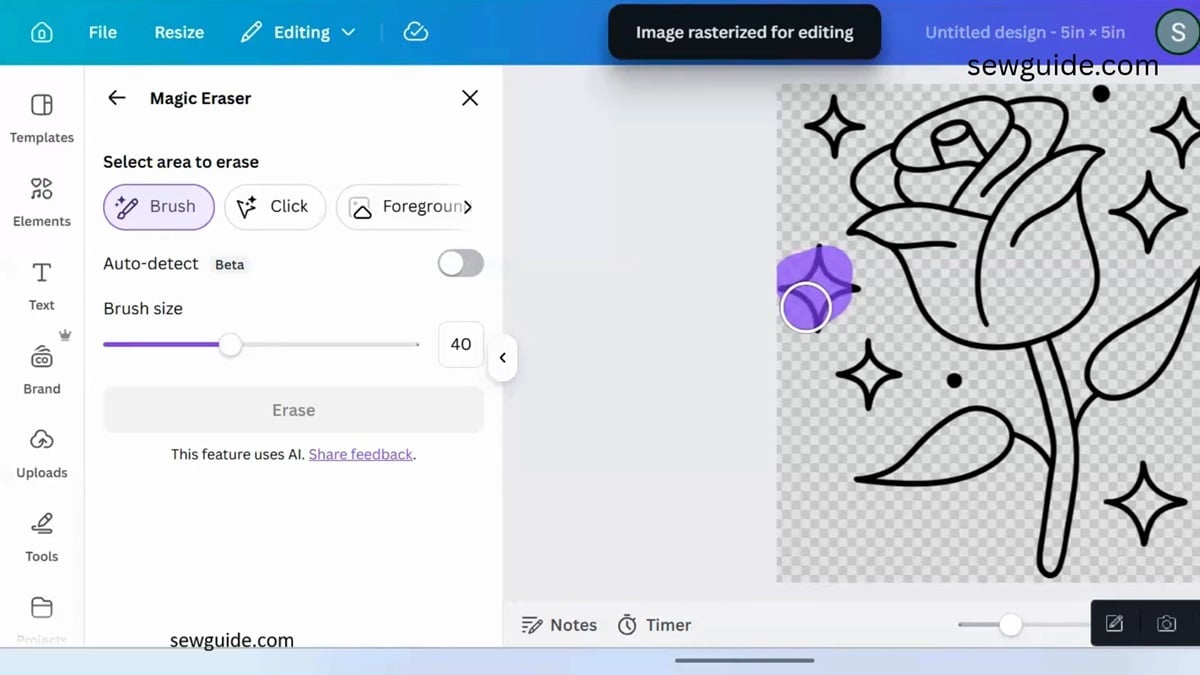
If you can combine 2 or 3 elements you can make your own unique embroidery designs. Pick elements and “Ungroup” (if possible; usually this is not possible, unless you use the grab option in the canva ai) ; Then rearrange and combine into new designs. Your imagination is now the limit to finding the perfect hand embroidery design for you.
Running stitch lines using Canva AI
Running stitch is one of the most versatile embroidery stitches of all. A lot of cultures have these in their traditional embroidery, like in India Kantha is a big thing decorating a lot of things like blankets, clothes; sashiko decorating almost anything and everything, originating from Japan… You can convert the line drawings you get from canva in canva itself. Let me tell you how:
Click on edit – then click on Magic Edit –
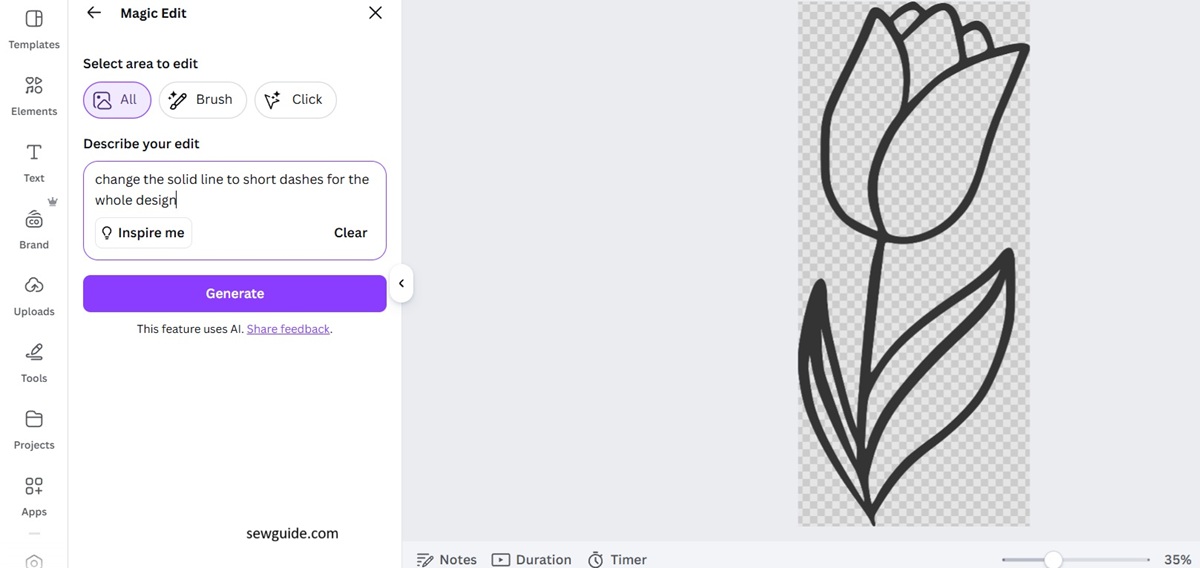
Then type in the prompt : Convert the solid line to short dashes. And tada…You have the perfect printer ready design for making even running stitches.
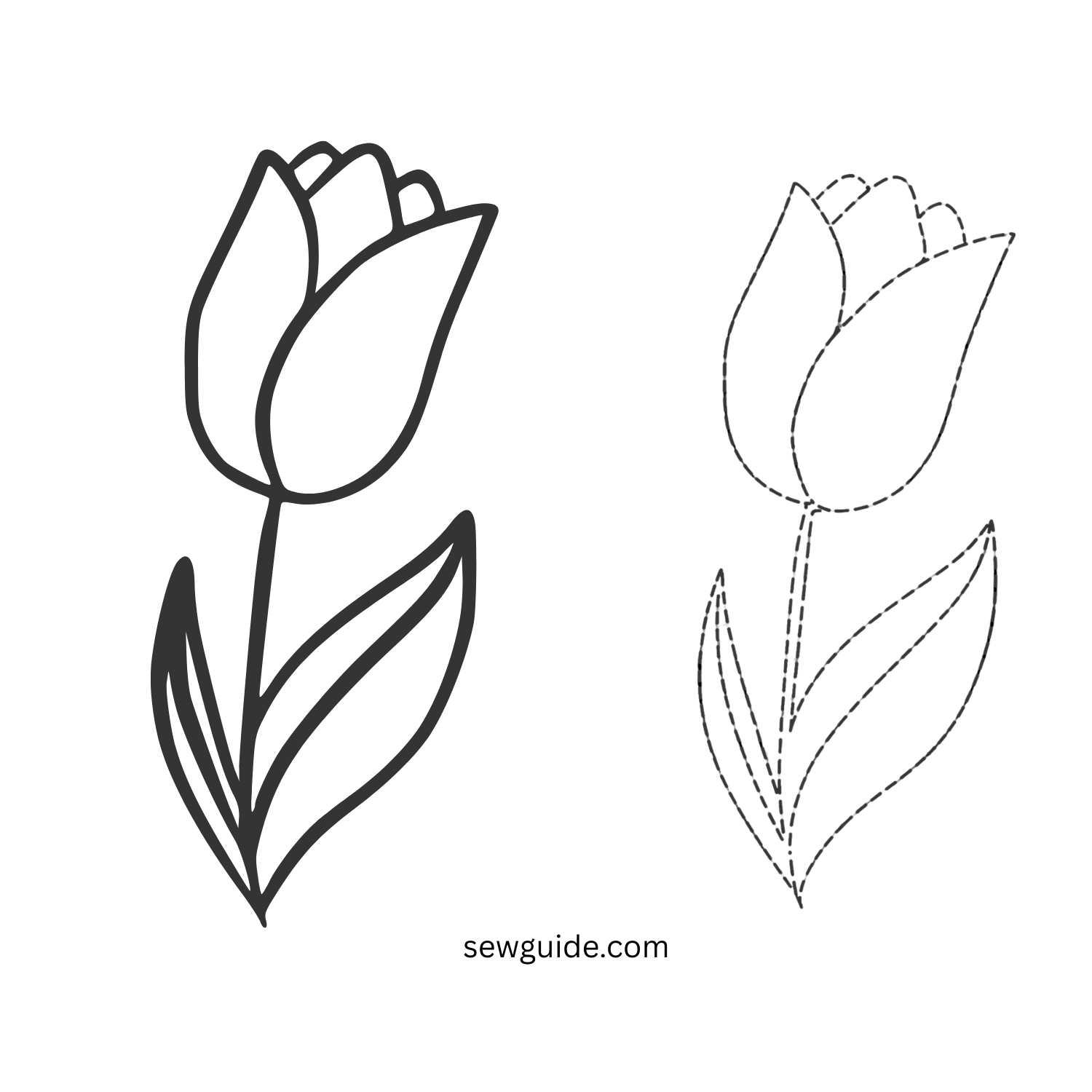
If you want to fill the design, make small curved lines inside of the design. Convert them to short dashed lines on canva itself.
Embroidery designs using Canva AI
This is when it gets incredible.
You can create unbelievable images using the native AI on Canva. It works on simple prompts—prompts are the instructions that you would give an employee. But there is a difference here. With your employees, the more detailed you are in your instructions, the more perfect the results will be.
But in the case of embroidery designs, I found simple instructions work better.
First, I used this prompt on the Magic Media app on Canva:
Create flower motifs suitable for embroidery. Include stylized circular flowers in dark green and bright fuchsia with gold thread centers, surrounded by detailed leaves in purple, orange, and electric blue. The thread work uses thick, multi-color crewel wool for a tactile, raised effect. – this prompt was given to me when I uploaded a photo of an embroidery I have on a fabric on gemini and I do not think I can get more detailed than this. But, turns out, the results are not that good.
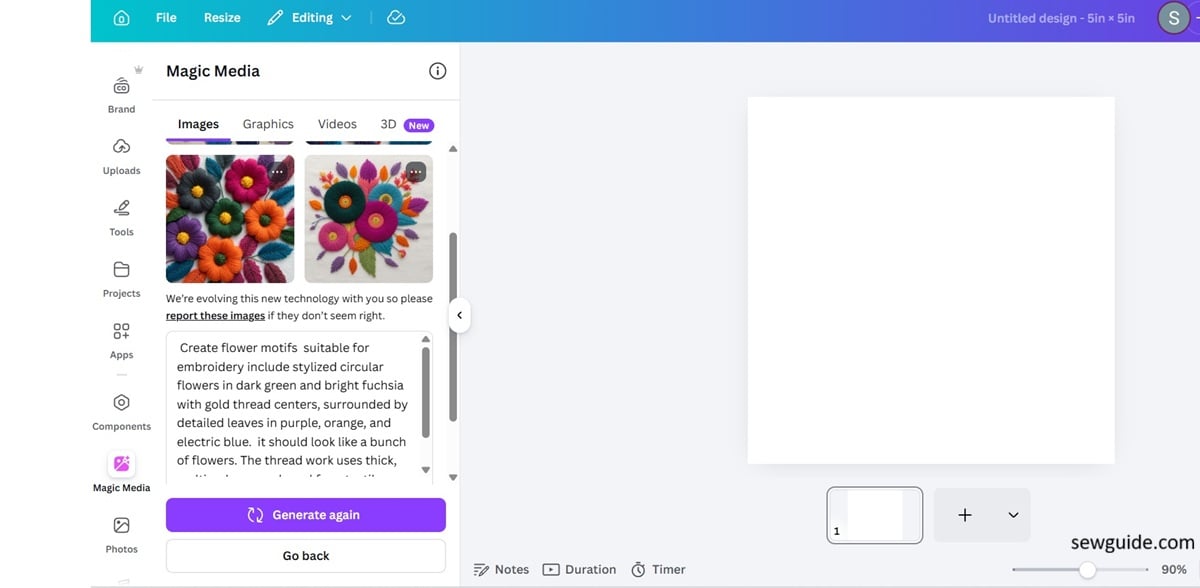
It gave me this.
Not quite what I want.
Then I used a simpler prompt—this one:
Create flower motifs suitable for embroidery. Include flowers surrounded by detailed leaves. It should look like a bunch of flowers.
This gave me lots of lovely embroidery designs suited for hand embroidery.
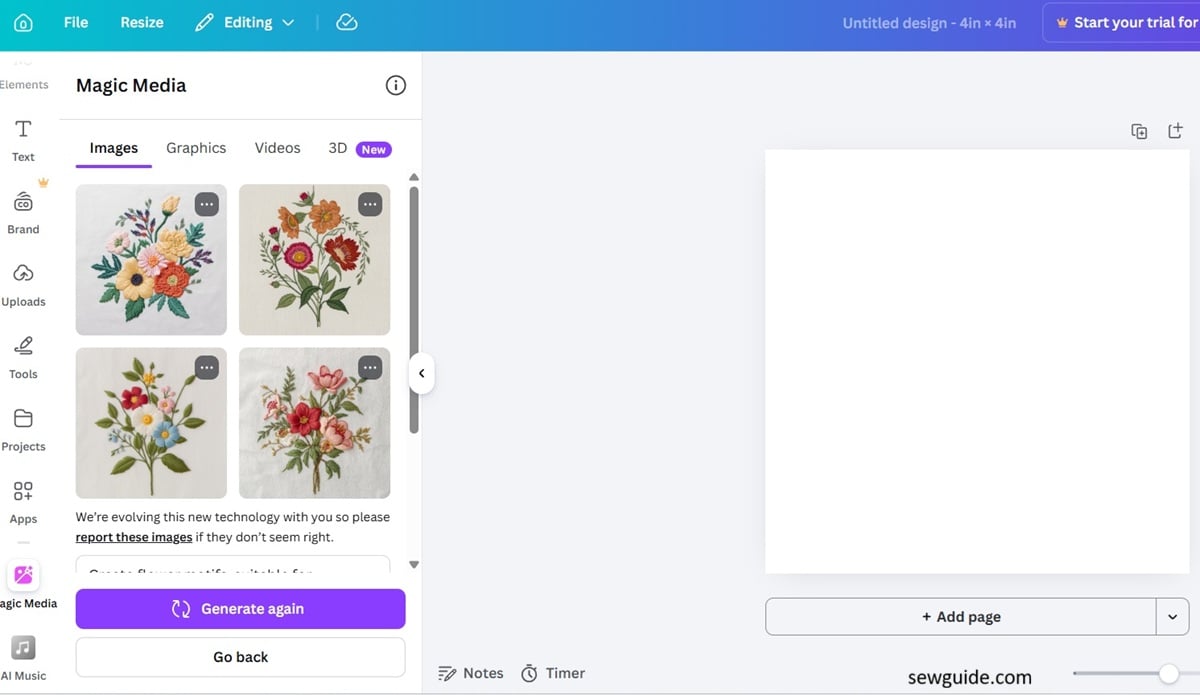
You can use this as it is, if you just have a free canva account. Take a print out and trace around it.
But that is too much work and you may need a better way. And there is one, in canva.
(For the rest of the instructions you need a paid canva plan).
The above embroidery designs are lovely to look at – but difficult to work with ; This method will make it suitable to be used on fabric for real-world embroidery, right off the bat.
First remove the background.
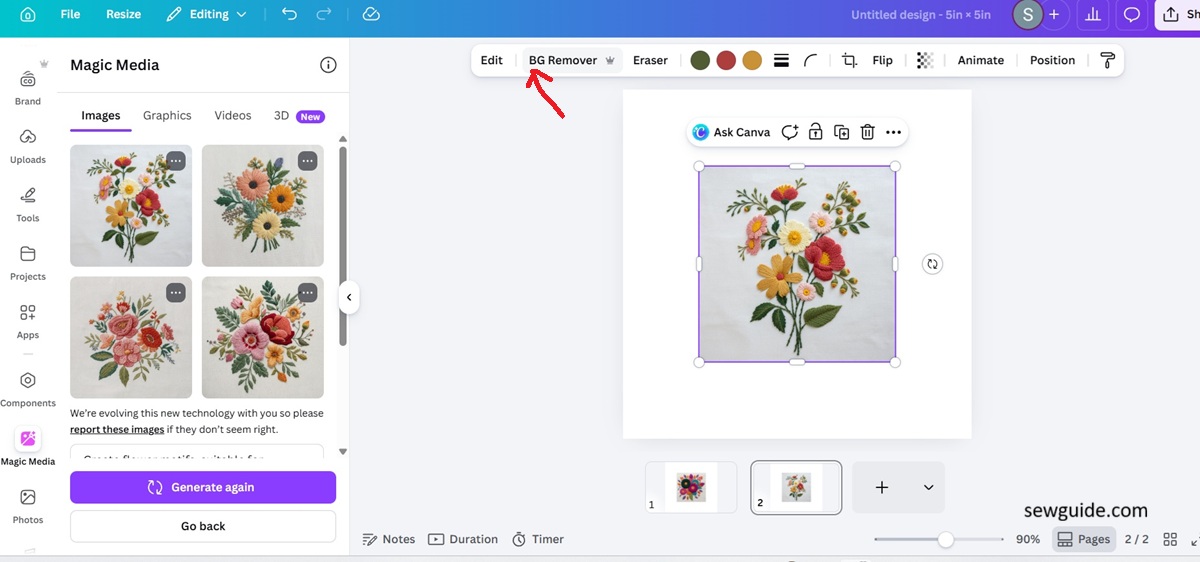
Then, get a ‘line-drawn flower’ from canva itself. Search on Canva – Elements- for line art of flowers. It is a reference image. You can use any simple flower for it. Just grab the first one you see. You just need a clear line drawing that you can draw easily on fabric.
Or, Just type “create a simple line drawn flower” in the ai field on another page on canva itself; copy it and paste it into this page – side by side.
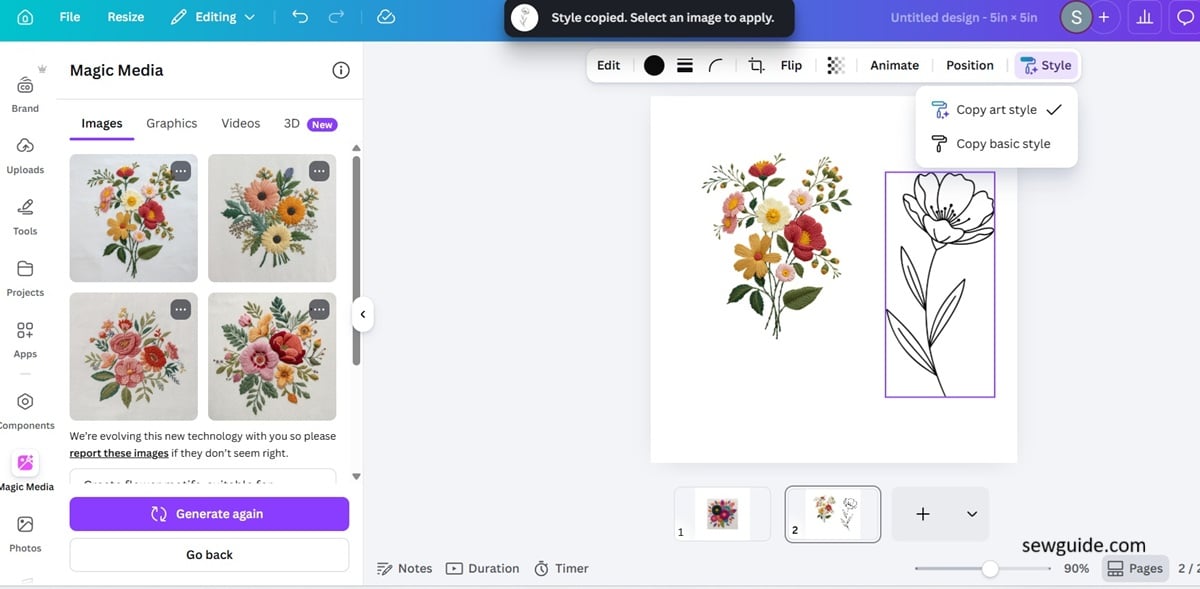
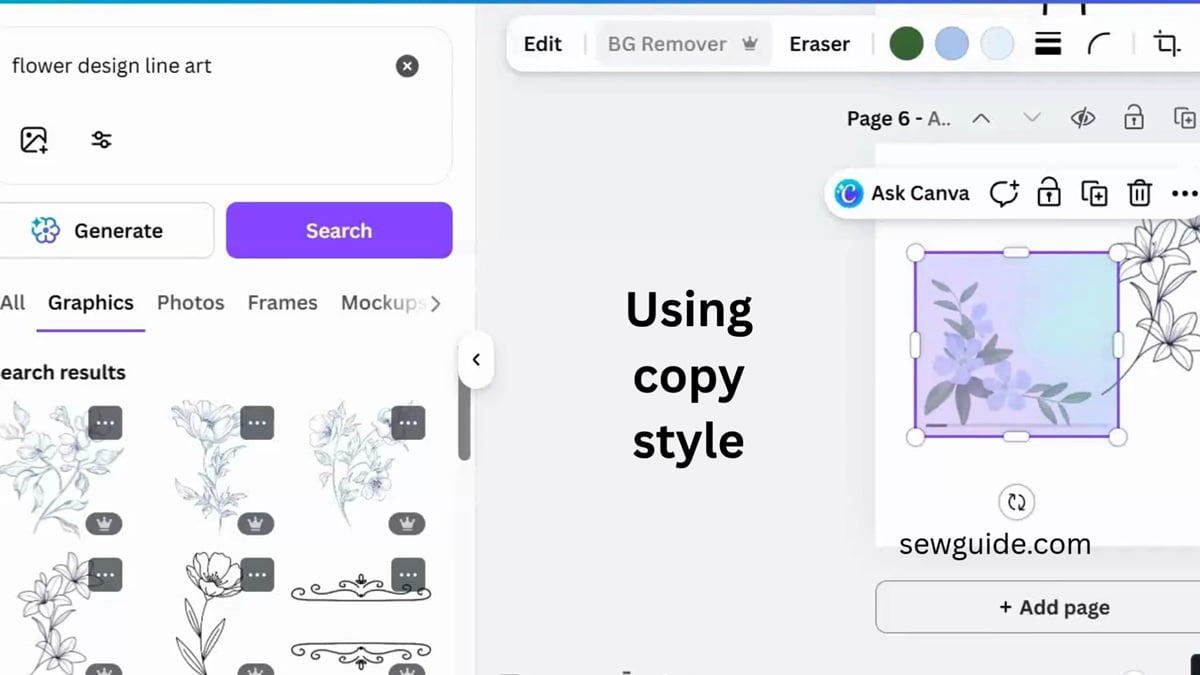
Now click on the paintbrush icon on the side. (This is a paid feature – only paid users of Canva get to use it, which is a bit sad, because this is how you make the next move – converting the incredible picture into a drawing style. With a free plan, you can create the AI pictures, but not the drawing from it.)
After clicking on the icon, you will get a message saying the style is copied. You should then click on the design you want to turn to drawing. It will start the process – you can see in the picture below – it is working
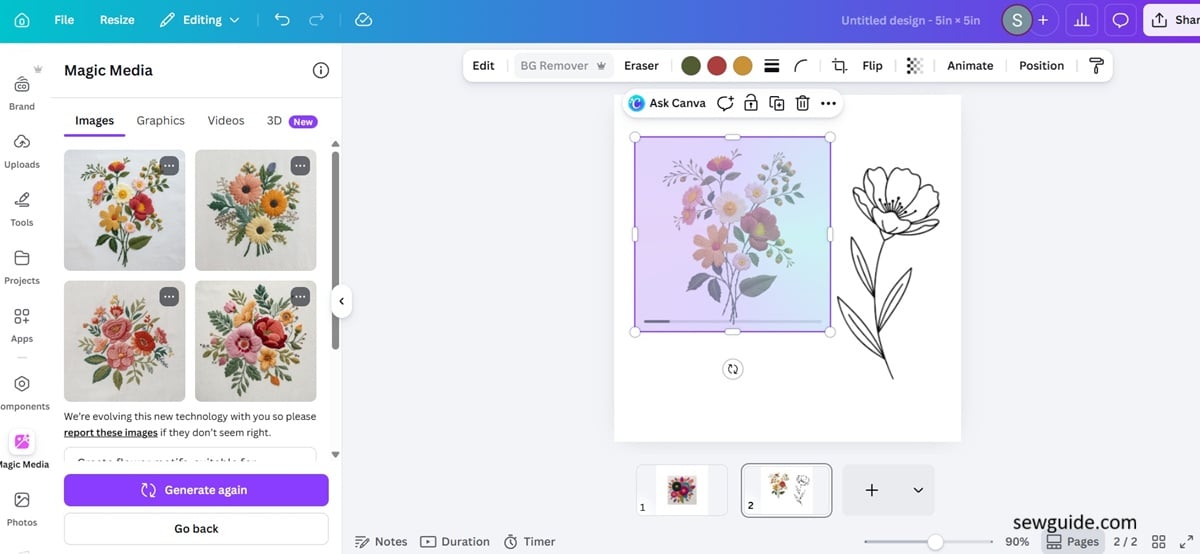
And then it worked. I just have to take a printout.
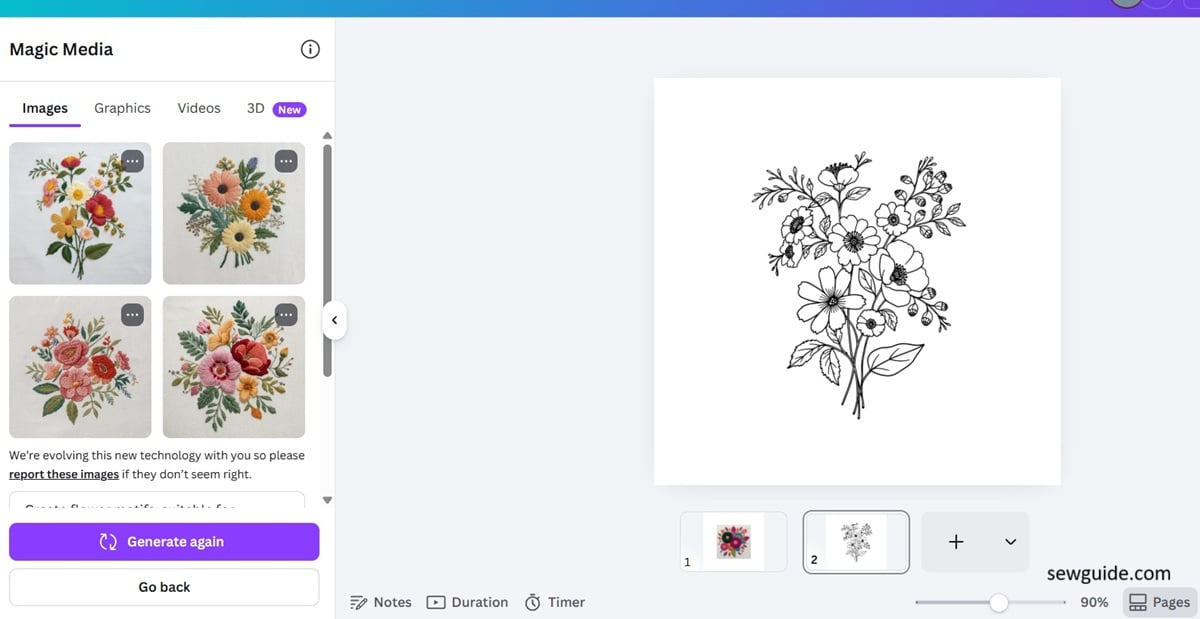
If you are not too keen on using ai generative designs, just look for water color pictures of flowers on Canva and convert with the same method.
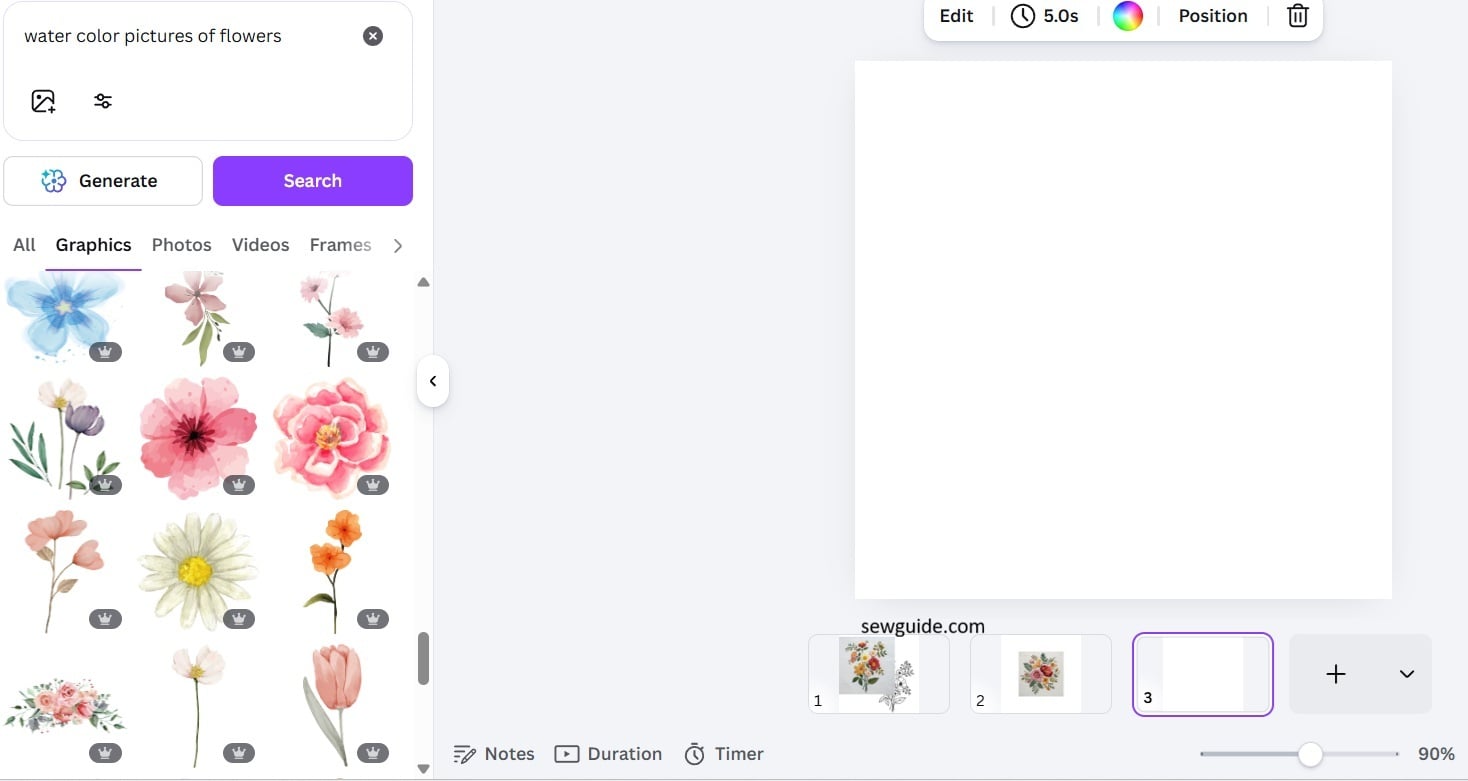
Do the same process as before.
After making these designs, add your name or initial to it to make it your own. And that too is possible on Canva.
letters for embroidery
Letters are one of the easiest things to get from Canva. And in embroidery, personalization is big nowadays. And what better way to personalise it than with hand embroidered letters. I love personalising t-shirts with embroidered letters – checkout the post on 4 easy ways you can make beautiful letters on the t-shirt without an embroidery machine.
For professional looking embroidery, you need perfectly spaced, clean lettering without having to draw anything by hand. When you draw freehand it is not always perfect. Eg: picture given below: 🙂
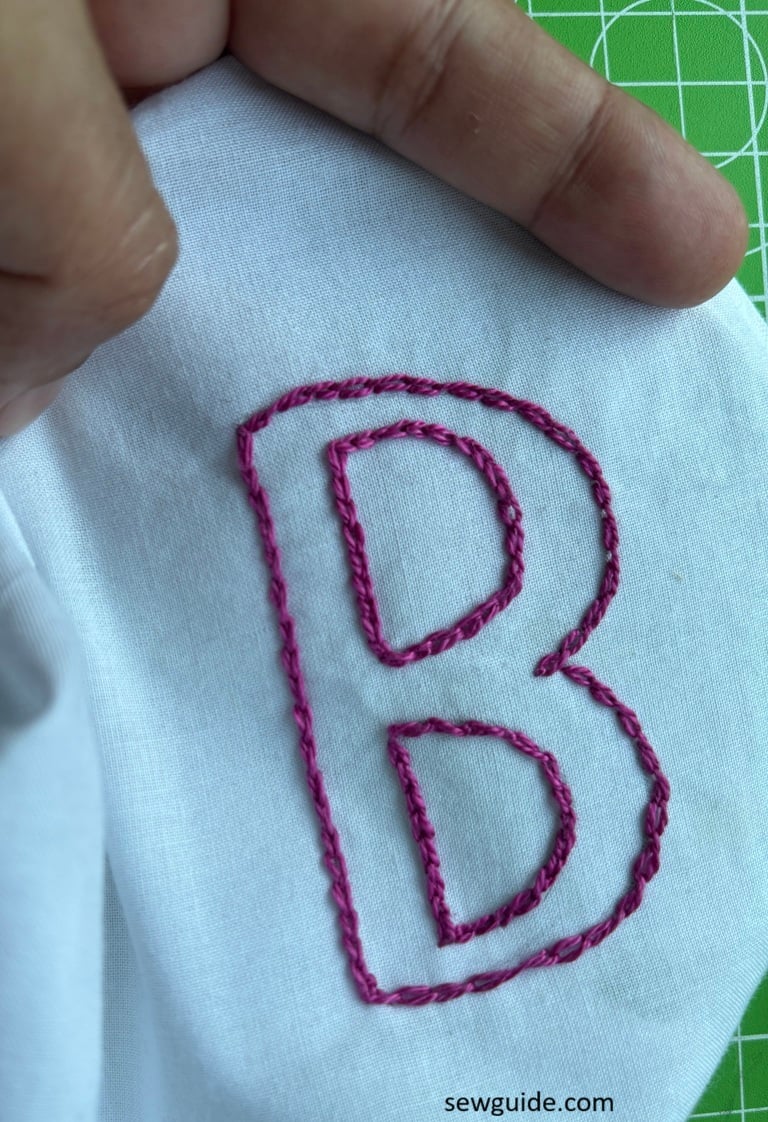
The B is cute and all, done in chain stitches, but I have to be honest, the two orbs of the B are not the same, even if I squint my eyes and even when I look at it with pride. But, what you get from Canva will be perfect. This I can guarantee.
Canva has a ridiculous number of fonts. Some are fancy, some are neat, and almost all are just perfect for stitching.
Using letters from Canva for embroidery
Just open Canva, add a text box, and type whatever you want—names, quotes, single initials, anything. Sometimes the simplest font looks the best once stitched.
I have to warn you though. Some of them look beautiful on screen, but not all of them translate well to embroidery.
Once you find something you like, increase the size. Make it big to suit your garment.
These are the names of the fonts that I liked. Just type them in the font section of canva.
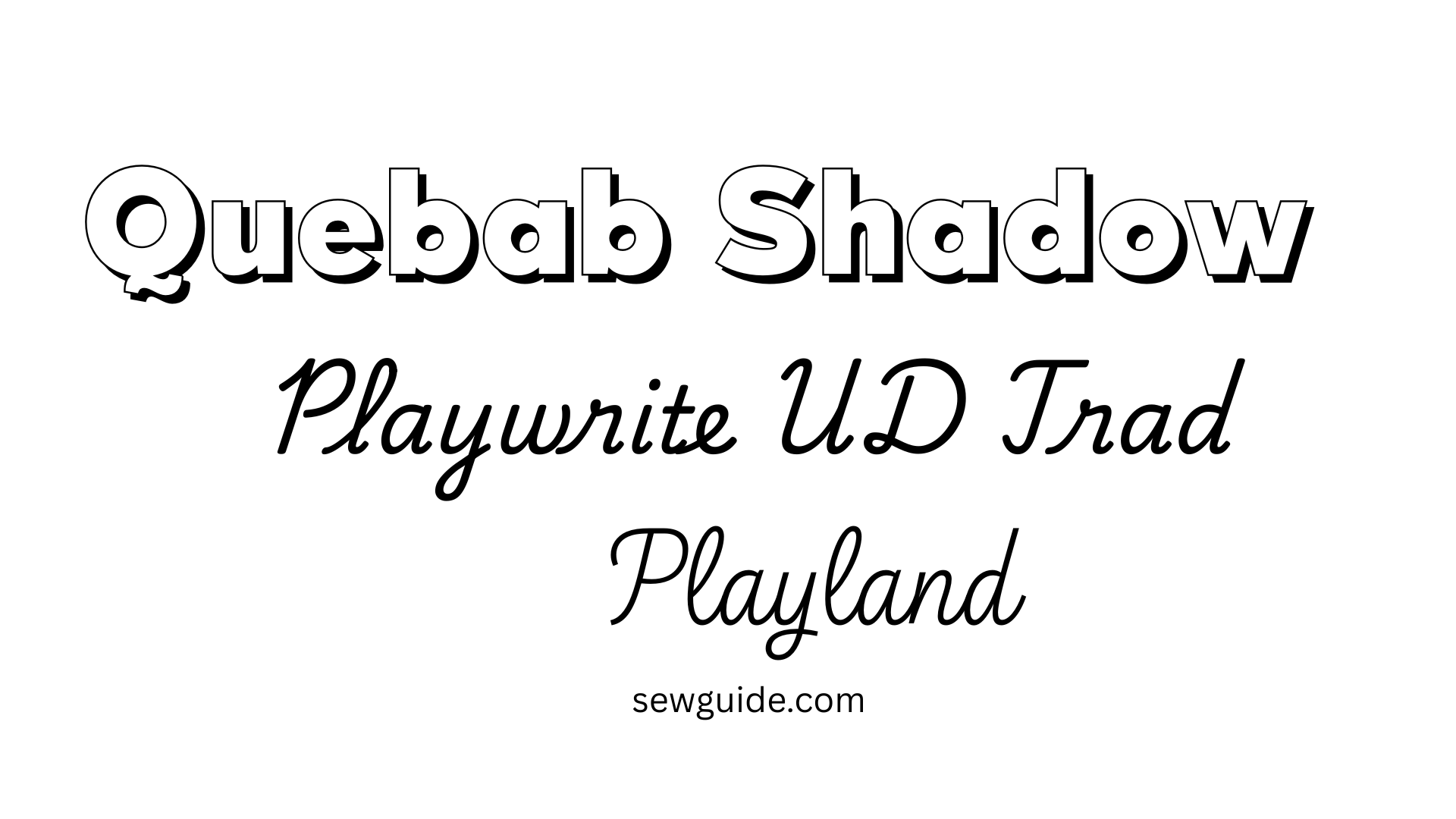
Now take that text and place it on your page clearly. You can print it directly or trace it from your screen or trace it using tracing paper
The easiest method is to take a printout of your design on those printable stick-on sheets. You can find the instructions of how to use the printable water soluble sheets for embroidery here.
I am sort of a computer nerd more than a passionate embroiderer, and true to character, I have been at it for some days now—hoarding these designs on my computer like there is a doomsday coming and the internet will get cut off and I will have all the time in the world to embroider the heck out of all the designs I have stored. Well, If wishes were horses….
Related posts : Using Midjourney prompts to create t-shirt designs ; Tracing embroidery to fabric ; FAQ for a beginner in hand embroidery


